
Microsoft AI consultants in Perth who put the licences you already pay for to work.
Most mid-size Australian businesses already pay Microsoft every month and get almost none of the AI that comes with it. We are independent Microsoft AI consultants based in Perth, working Australia-wide. We make Copilot, Copilot Studio, Power Automate, Power BI and Azure AI do real jobs: quoting, reporting, chasing, answering. And because nobody pays us to push Microsoft, we also tell you when it is the wrong tool.
What do Microsoft AI consultants actually do?
We work out which jobs in your business Microsoft's AI tools can genuinely take over, then set them up, secure them and train your people to run them. That spans Microsoft 365 Copilot, Copilot Studio, Power Automate, Power BI and Azure AI. The goal is blunt: get real work out of the licences you already pay for before anyone talks you into buying more.
Here is the pattern we keep walking into. A business turns Copilot on because it came up at licence renewal. Staff try it for a fortnight, use it to tidy a few emails, then drift back to old habits. Meanwhile the quotes still take days, the purchase orders still get chased by hand, and someone still loses the last week of every month to the report pack. The technology was never the gap. The gap is that connecting the tools to the work is nobody's job.
That connection is the job we do. We map the repetitive work in your office, pick the right tool from Microsoft's stack for each piece, build it, and put a person in charge of checking what comes out. We do it from our office in Ardross in Perth, for businesses across Australia. Almost none of the work needs us in your building, though with WA clients we usually start there, because watching where the hours go beats being told about it.
Which Microsoft AI tool fits which job?
In one breath: Microsoft 365 Copilot is the assistant inside Word, Excel, Outlook and Teams. Copilot Studio lets you build your own agents on your company data. Power Automate moves work between systems. Power BI turns your numbers into reporting, and Azure AI is Microsoft's cloud for custom builds. Most businesses need two or three of these, not all five.
The names are the hardest part, and Microsoft renames things often enough that we keep this in plain language. What matters is fit. Each tool is excellent at one shape of work and a poor, expensive answer to the others.
| Tool | What it is good for | When it is the wrong tool |
|---|---|---|
| Microsoft 365 Copilot | The assistant in Word, Excel, Outlook and Teams: drafting, summarising meetings, finding things in your files | Anything repeatable. It helps the person at the keyboard; it does not run a process on its own |
| Copilot Studio | Building your own agents on your documents and data: staff questions, guided processes, helpdesk deflection, inside Teams | Jobs that cross several systems with judgement in the middle. Those are better as a custom build |
| Power Automate | The plumbing between systems: approvals, notifications, moving files, raising records when something happens | Reading messy documents or writing like a person. It follows rules; it does not exercise judgement |
| Power BI | Reporting that builds itself: live numbers from your systems instead of a hand-made monthly pack | Fixing bad data. If the source numbers are wrong, Power BI just presents them confidently |
| Azure AI | Custom AI inside your own Microsoft cloud: your tenancy, your access controls, Australian data residency | Small, simple jobs. The setup and governance overhead is not worth it for a task Copilot already covers |
Each of those tools has its own page, honest limits included: Copilot Studio for building agents on your data, Power Automate for the plumbing between systems, Power BI for reporting that builds itself, and Azure AI for custom builds inside your own cloud.
Most businesses do not need more software from Microsoft. They need the software they already pay for wired into the jobs that eat their week.
What can Microsoft AI do inside a business like ours?
It takes over the office work that repeats: quotes drafted from your rate card, purchase orders chased until they close, a monthly report pack that assembles itself, prequalification packs pulled together from documents you already hold, and follow-ups that go out on time, every time. Your people check the output instead of producing it from scratch.
Take quoting, because it is where WA services businesses bleed the most hours. An enquiry lands in a shared inbox. Today, someone re-types it into a spreadsheet, hunts down current rates, checks the last similar job and drafts a quote in Word, and it goes out two days later if nothing else lands on their desk first. Wired properly, Power Automate watches the inbox, AI reads the enquiry and drafts the quote from your rates and rules, and the draft drops into Teams for a person to check and send. Same person, same judgement, minutes instead of days.
The same shape holds for the rest of the month. Flows watch which purchase orders are still open, and AI writes chasers that read like a person wrote them. Power BI pulls the numbers from MYOB, Xero and your job software on schedule, and AI drafts the commentary so managers read the pack before it goes stale. Prequalification packs assemble themselves from the insurances, licences and procedures you already hold. All of it runs inside your own Microsoft 365 tenancy, under the access controls you already have; the detail is on our security page.
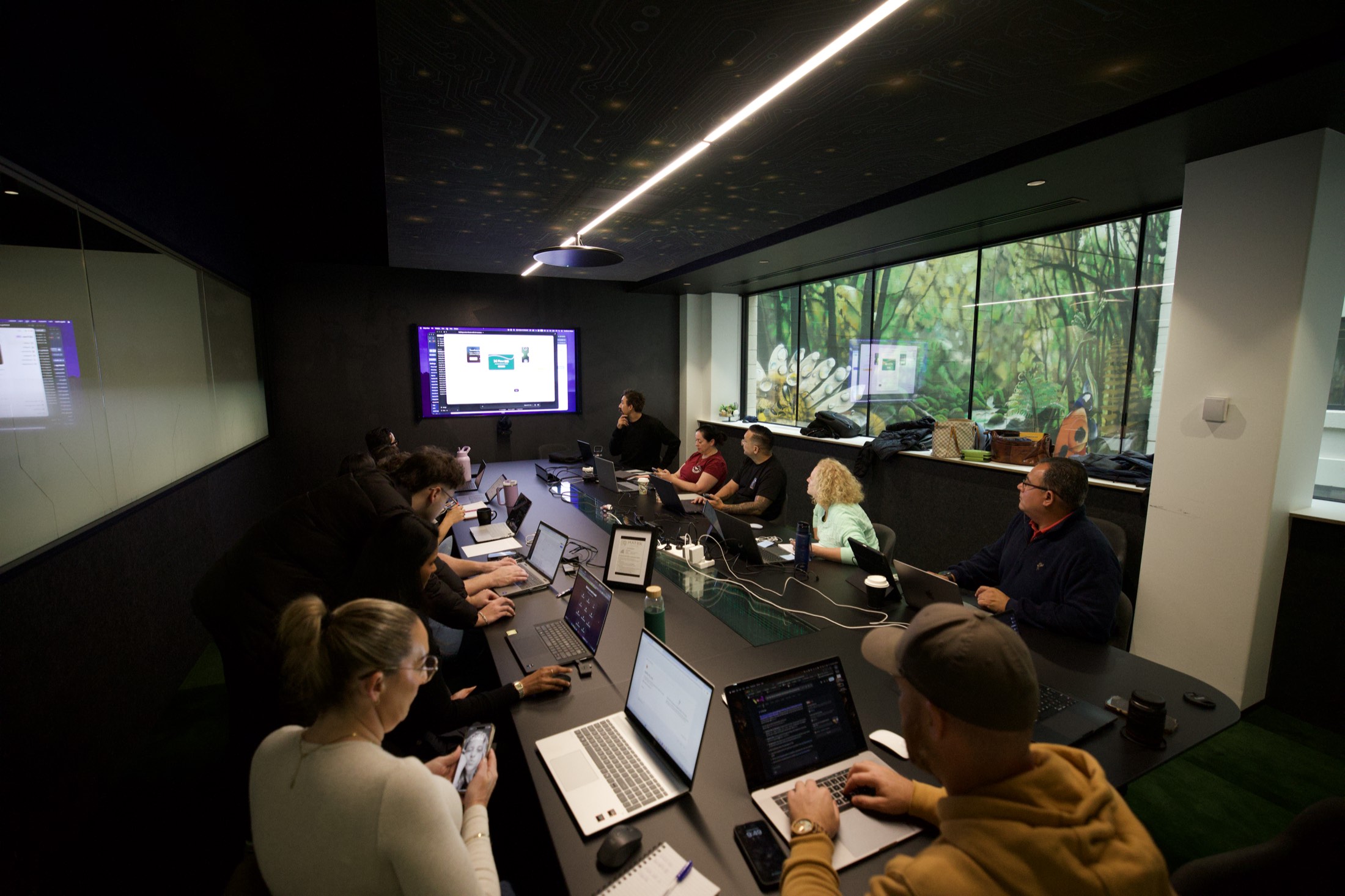
This is not theory to us. General Crane Services WA, a crane and rigging business here in Perth, put staff through our training, and those staff went away and built an AI quoting system themselves. We took what they built and secured it, and it runs on Azure inside their own Microsoft environment. It now prices new jobs from 1,630 of their past quotes, and the people running the system are the same people who dreamed it up.
Why work with an independent consultancy rather than a Microsoft partner?
Because a Microsoft partner earns incentives and margin when you buy more Microsoft, and we do not. Scalify is independent: no reseller agreement, no certification quota, nobody paying us to push a product. We recommend Microsoft's stack when it is the best answer, we build on OpenAI and Anthropic when it is not, and sometimes we tell you the answer is not Microsoft at all.
That independence changes the advice you get. We have told clients not to buy Copilot licences for the whole company, because starting with one team and proving the value first is cheaper and sticks better. We have told clients their job needed a simple Power Automate flow, not the build they walked in asking to buy. A partner can be perfectly capable and still find that advice expensive to give, because their business depends on the licences moving. Partner badges measure sales and certifications. They say nothing about whether the tool fits your business.
What about training?
Do not skip it. A well-built system with untrained staff is one resignation away from becoming an ornament. We run Copilot training for the people who will live in these tools daily, and for many businesses it is the best first step: cheaper than any build, and within a day it shows you which jobs are worth automating properly.
Training is also where the best ideas come from, because your staff know where the hours go better than any outsider ever will. That is exactly how the General Crane Services quoting system started: as something their own people built after training, not something sold to them. If you would rather start with a colder look at the numbers, our AI audit is a fixed half-day engagement that maps the opportunities in your business and puts a figure on each. Either door leads to the same place: Microsoft AI doing measurable work, run by your people.
Common questions
Do we need to be "a Microsoft shop" to work with you?
No. Microsoft 365 is where most of our clients already live, which is why this page exists, but we also build on OpenAI and Anthropic models and we work with whatever you run: MYOB, Xero, industry software, Google Workspace. If Microsoft is not the right fit for a job, we will say so.
What is the difference between Copilot, Copilot Studio and Azure AI?
Microsoft 365 Copilot is the assistant built into Word, Excel, Outlook and Teams, helping one person at a time. Copilot Studio is a tool for building your own agents that answer from your company documents and follow your processes. Azure AI is Microsoft's cloud platform for custom builds, where the AI runs inside your own tenancy under your own security controls.
Are you a Microsoft Partner?
No, and that is deliberate. Partners earn incentives when you buy Microsoft licences, which makes it hard for them to tell you not to. We have no reseller agreement with anyone, so when we recommend Copilot or Azure it is because it fits your business, and when something else fits better we say that instead.
What does Microsoft AI consulting cost?
You get one written price for a defined piece of work before anything starts. No hourly metering and no open-ended retainers. The first conversation costs nothing.
Where does our data go?
For most Microsoft AI work it stays inside your own Microsoft 365 tenancy, governed by the access controls you already have. Where AI models are involved, we use them under business terms, so your data does not go into training anyone's public models. The full detail is on our security page.
Can you work alongside our IT company or MSP?
Yes, and we usually do. Your MSP keeps running the network, devices and licences. We design and build the AI systems on top, and hand over documentation they can support. We are not after their contract, and most MSPs are glad someone else is fielding the AI questions.
Do you train staff as well as build?
Yes. Most builds include training, because a system nobody uses is a failure no matter how well it is engineered. We also run standalone Copilot training for teams who want more from the licences they already have before committing to any build.
Updated 31 July 2026
Related
Paying for Microsoft and getting tidier emails?
Walk us through an ordinary week in your office and we will point at the jobs your current licences could already be doing. No new spend until something proves it is worth it.